
87MJTIM
-
Posts
3063 -
Joined
-
Last visited
-
Days Won
9
Content Type
Profiles
Forums
Gallery
Everything posted by 87MJTIM
-
The 87 sounded more complete for a project. The 89 may have useful parts.
-
Master MJ/XJ Junkyard list
87MJTIM replied to WranglerMangler's topic in MJ Tech: DIY Projects and Write-Ups
For RENIX era MJ/XJs I pull all the cruise control parts - from the stalk, wire harness, brake switch, clutch switch, control box (yellow), and servo. -
Have you done the CAD delete? If not, then do this. If it is still not engaging then you may have to inside the tcase.
-
Joe, you don't say the year of the MJ. If the front axle has a CAD, then I would suggest checking the vacuum lines on the axle. If the lines are damaged and not giving vacuum to the CAD, the 4WD slider will not engage. Ask me how I know...
-
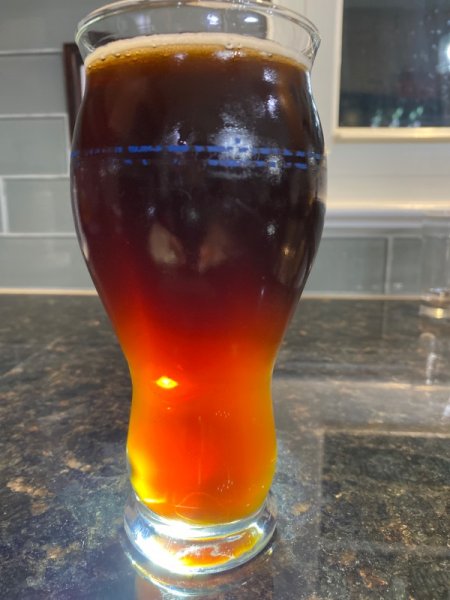
My interpretation of a German Alt
-
It is good. A little out of the style guidelines however. I guess I will just have to drink it
-
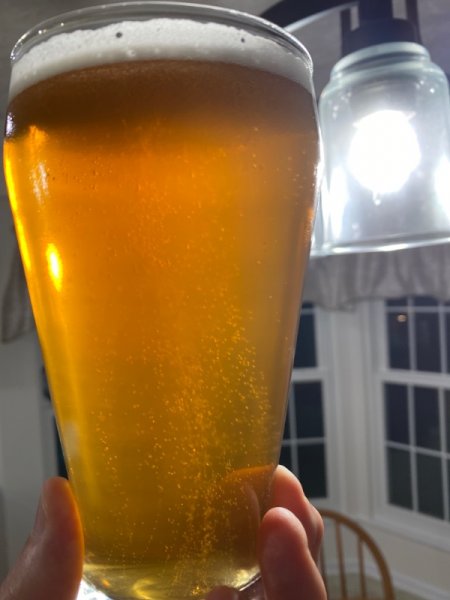
My interpretation of a Kolsch
-
Any style of beer is great, any season, on any day that ends with 'y'.
-
Her PapPaw had high cheek-bones:

-
Many years ago, I left my MJ outside my office overnight. It was park fronting a main road. I came back in the morning and found a note left on the windshield asking that if I was going to sell it, to call a phone #. I still have the note. I have never called the number.
-
which would you repalce first?
87MJTIM replied to Pete M's topic in MJ Tech: Modification and Repairs
Cables & pan. Those are driveablilty issues. The cross member can be replaced later. -
Found during valve cover gasket install
87MJTIM replied to NC Tom's topic in MJ Tech: Modification and Repairs
Looks like the heater control vacuum switch. -
Starts then shuts off immediately
87MJTIM replied to Zadouw's topic in MJ Tech: Modification and Repairs
If you give it gas, will it run? If it runs when giving it gas, the IAC may need cleaning or replacing. -
Stopping that will require a solid, immovable object.
-
Mine is factory with those rails.
-
it’s amazing how much time I have on Sunday when I don’t spend all day going to the stadium and watch them lose, again and again
-
I got it…sorry to say.
-
Please pass along my condolences. I used have season tickets. I went to all the game through the super bowl years (and the Snyder years). I gave them up 5 yrs ago. I couldn't take anymore. All the drama with Kapernick, BLM, and the name change issues, I gave up on the NFL. I stopped watching game altogether.
-
As a 3rd generation - and life long - Redskins fan, (yes, Redskins, not that new name) I cannot cheer for NY, Phil, or Dal. I am not a KC fan. I just cannot cheer for THE OTHER TEAM.
-
I found it on Facebook
-
The taillights are not on their website. Where can I see the different options?
-
Chrome trim coloring?
-
What other year's motor will work? 97+ or later yrs.
-
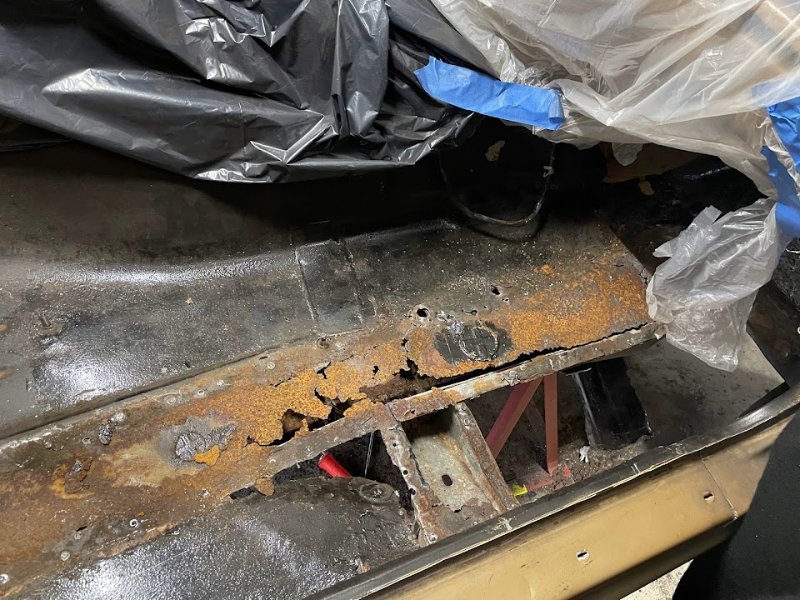
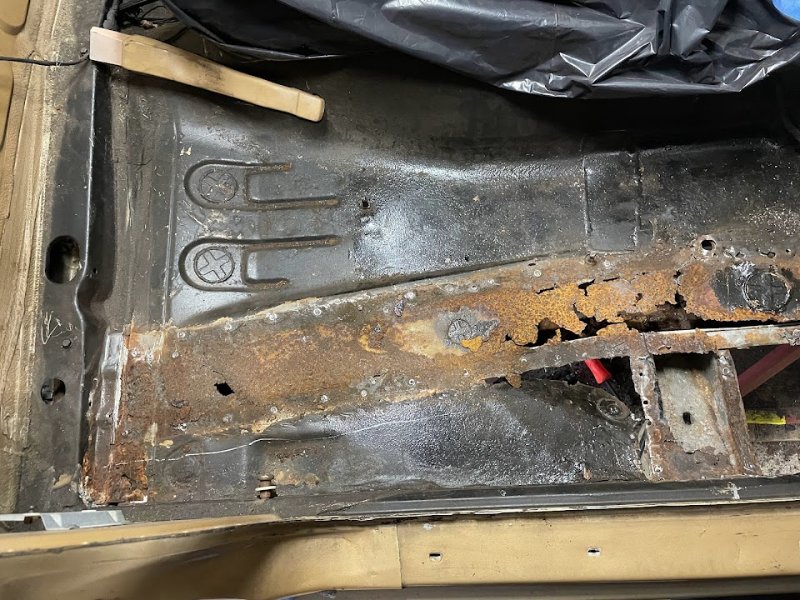
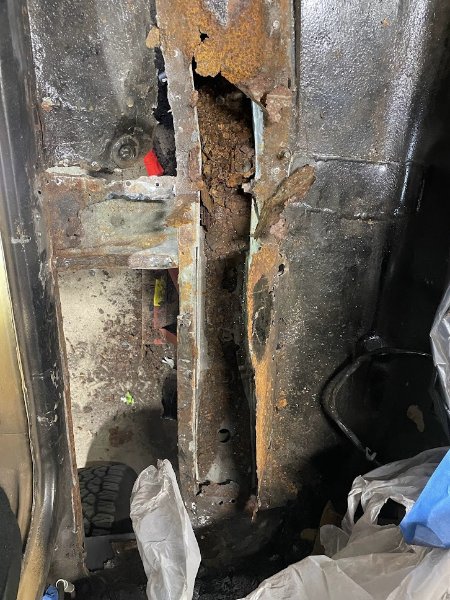
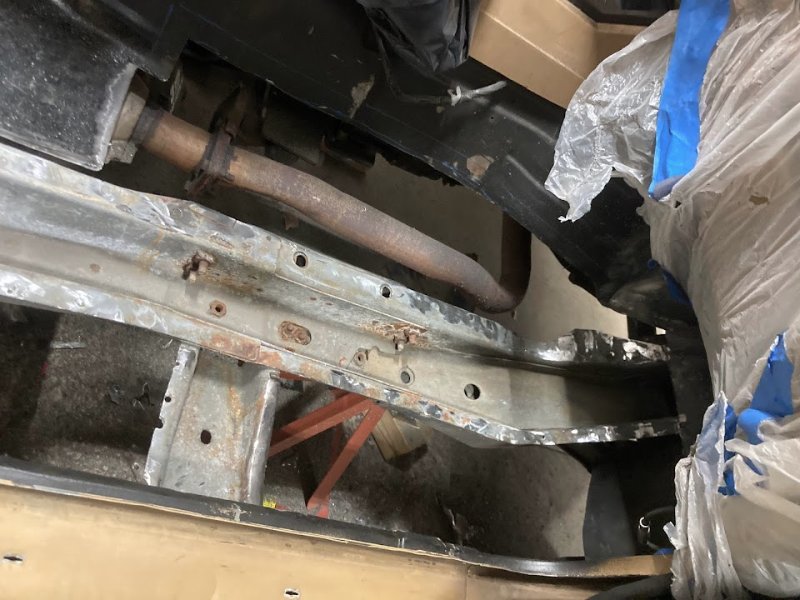
Rust - before